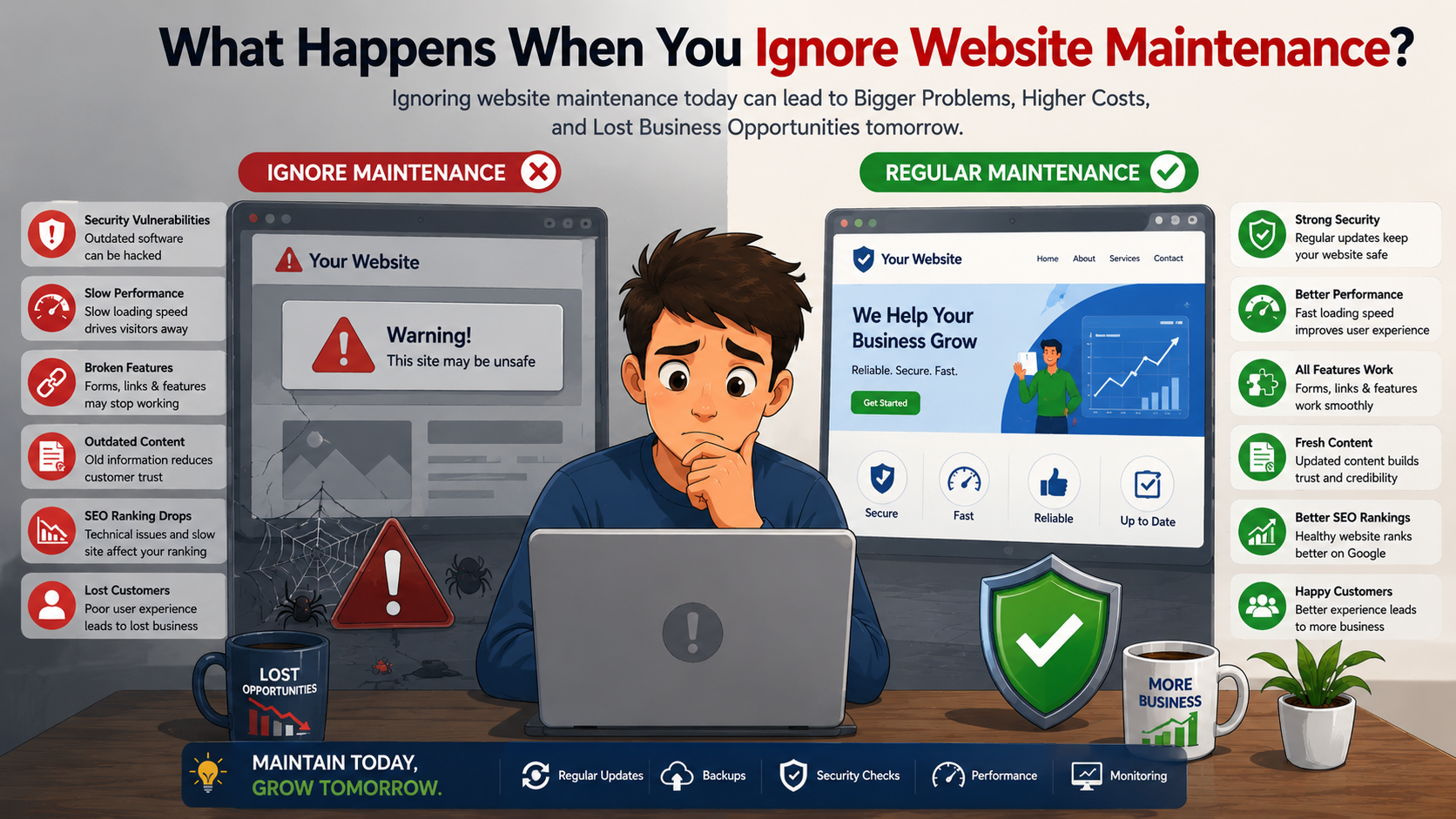

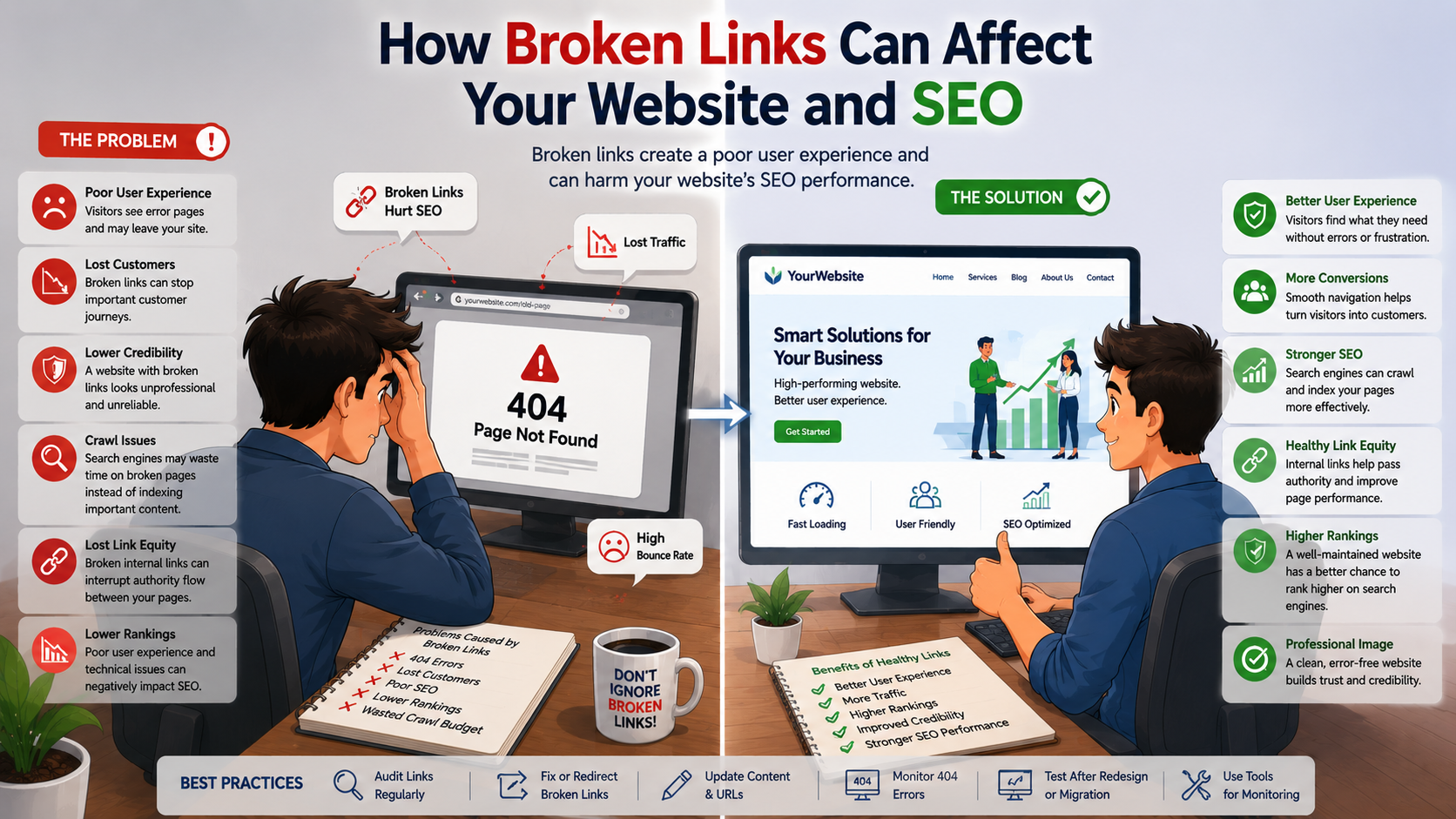
A website should make it easy for visitors to find information, explore your services, and contact your business. But when links stop working, visitors may encounter error pages, missing content, or unexpected redirects.
These broken links can create a poor user experience and may also affect the overall technical health of your website. Regular website maintenance and link monitoring can help identify these issues and keep your website reliable and SEO-friendly.
What Are Broken Links?
A broken link is a hyperlink that no longer leads to the intended webpage or resource.
For example, a visitor may click:
yourwebsite.com/services/web-development
but instead receive a 404 – Page Not Found error because the page has been deleted or the URL has changed.
Broken links can occur on:
· Internal pages
· Blog posts
· Images and media
· Downloadable files
· External websites
· Product pages
· Service pages
How Do Broken Links Happen?
Broken links can develop for several reasons.
1. Deleted Pages
A page may be removed without updating links pointing to it.
2. Changed URLs
Changing a page URL without properly redirecting the old URL can create a broken link.
3. Website Redesign
During a website redesign, pages and URL structures may change. If old links are not reviewed, some may stop working.
4. Incorrect URLs
Typos or incorrect links can lead visitors to pages that don't exist.
5. Expired External Pages
A website may link to an external resource that is later removed or moved.
6. Website Migration
Moving a website to a new platform or changing its structure can result in missing or incorrectly mapped URLs.
How Broken Links Affect Your Website
1. They Create a Poor User Experience
Visitors expect links to take them to useful information. When they encounter a broken link, they may become frustrated and leave the website.
For example:
Visitor → Clicks Service Link → 404 Error → Leaves Website
Repeated problems like this can make your website feel unreliable or poorly maintained.
2. They Can Reduce Customer Enquiries
Broken links can prevent potential customers from reaching important pages.
Imagine a visitor wants to contact your company but the Contact Us button leads to a missing page.
The result could be:
Interested Visitor → Broken Contact Link → No Enquiry
For businesses that depend on website enquiries, fixing important links should be a priority.
3. They Make Website Navigation Difficult
Internal links help visitors move between different pages.
For example:
Home → Services → Website Development → Contact
If one of these links is broken, the visitor's journey is interrupted.
A well-maintained internal linking structure helps customers discover relevant information more easily.
4. They Can Affect Website Credibility
A website with multiple broken links may appear outdated or poorly maintained.
Customers may question whether the business is still active or whether the information on the website is reliable.
Keeping links working helps create a more professional online presence.
How Broken Links Can Affect SEO
Broken links should not be viewed as an automatic penalty that causes a website to lose rankings. However, a large number of broken links can contribute to technical and user-experience problems that are worth addressing.
5. They Can Affect Search Engine Crawling
Search engines use links to discover and navigate pages across a website.
If important internal links lead to missing pages, it can make the website structure less efficient and make some pages harder to discover.
Maintaining a clear internal linking structure helps search engines understand how your website pages are connected.
6. They Can Waste Crawl Resources
Large websites may contain thousands of URLs. If search-engine crawlers repeatedly encounter unnecessary broken URLs, the site may have an inefficient crawl structure.
Keeping your website clean and properly linked can help search engines spend their crawling resources more effectively.
7. They Can Interrupt Internal Link Equity
Internal links help distribute authority and context between pages.
For example:
Blog → Service Page → Contact Page
If an important internal link is broken, that connection is lost.
Maintaining relevant internal links helps visitors and search engines discover important pages.
8. They Can Affect User Engagement
When visitors encounter broken links, they may leave the website rather than continue searching for the information they need.
A website with useful, working links provides a smoother browsing experience and makes it easier for visitors to explore more content.
Types of Broken Links You Should Check
Internal Broken Links
Links pointing to pages within your own website that no longer work.
External Broken Links
Links pointing to other websites or resources that are no longer available.
Image Links
Images or media files that fail to load because the referenced file is missing.
Broken Download Links
PDFs, documents, brochures, or other downloadable resources that are no longer available.
Redirect Problems
Incorrect or unnecessary redirects can send visitors to the wrong page or create redirect chains.
How to Find Broken Links on Your Website
Regular website audits can help identify broken links.
You can check:
· Website pages
· Navigation menus
· Blog posts
· Images
· Buttons
· Download links
· Internal links
· External links
· Redirects
Website owners can use website crawling and webmaster tools to identify URLs returning errors and then investigate whether those URLs should be restored, redirected, or removed.
How Often Should You Check for Broken Links?
The ideal frequency depends on the size and complexity of your website.
For a small business website, periodic link audits can help identify problems before they become significant.
Larger websites, e-commerce stores, and websites that frequently publish content may benefit from more regular monitoring.
Broken-link checking should also be included after:
· Website redesigns
· Website migrations
· Major content updates
· URL changes
· Plugin or system changes
Broken Link Prevention Checklist
Use this checklist to maintain a healthy website:
· ✅ Check internal links regularly
· ✅ Check important external links
· ✅ Monitor 404 errors
· ✅ Test contact and enquiry buttons
· ✅ Check downloadable files
· ✅ Review navigation menus
· ✅ Update changed URLs
· ✅ Use appropriate redirects
· ✅ Remove unnecessary links
· ✅ Test links after website redesigns
· ✅ Monitor website health regularly
Why Website Maintenance Matters
Broken links are just one part of website maintenance.
A complete maintenance strategy should also include:
· Security updates
· Website backups
· Performance monitoring
· Software updates
· Content updates
· Mobile testing
· SEO checks
· SSL monitoring
· Database maintenance
· Technical troubleshooting
Regular maintenance helps businesses identify issues before they negatively affect visitors or business operations.
Why Choose Mugin Technologies for Website Maintenance?
At Mugin Technologies, we help businesses maintain reliable, secure, and high-performing websites.
Our website maintenance services include:
· Broken-link checking
· Website health monitoring
· Security updates
· Backup management
· Performance optimization
· Content updates
· SEO maintenance
· Technical troubleshooting
· Mobile responsiveness testing
· Website redesign support
We help businesses keep their websites updated and ready to deliver a better experience for customers.
Broken links may seem like a small technical issue, but they can create frustrating experiences for visitors and contribute to a poorly maintained website.
Regularly checking internal links, external links, redirects, forms, and important website pages can help businesses maintain a reliable online presence. During website redesigns and migrations, careful URL planning and redirect management are particularly important.
A healthy website should not only look professional—it should also make sure that every important page, link, and customer journey works as expected.