

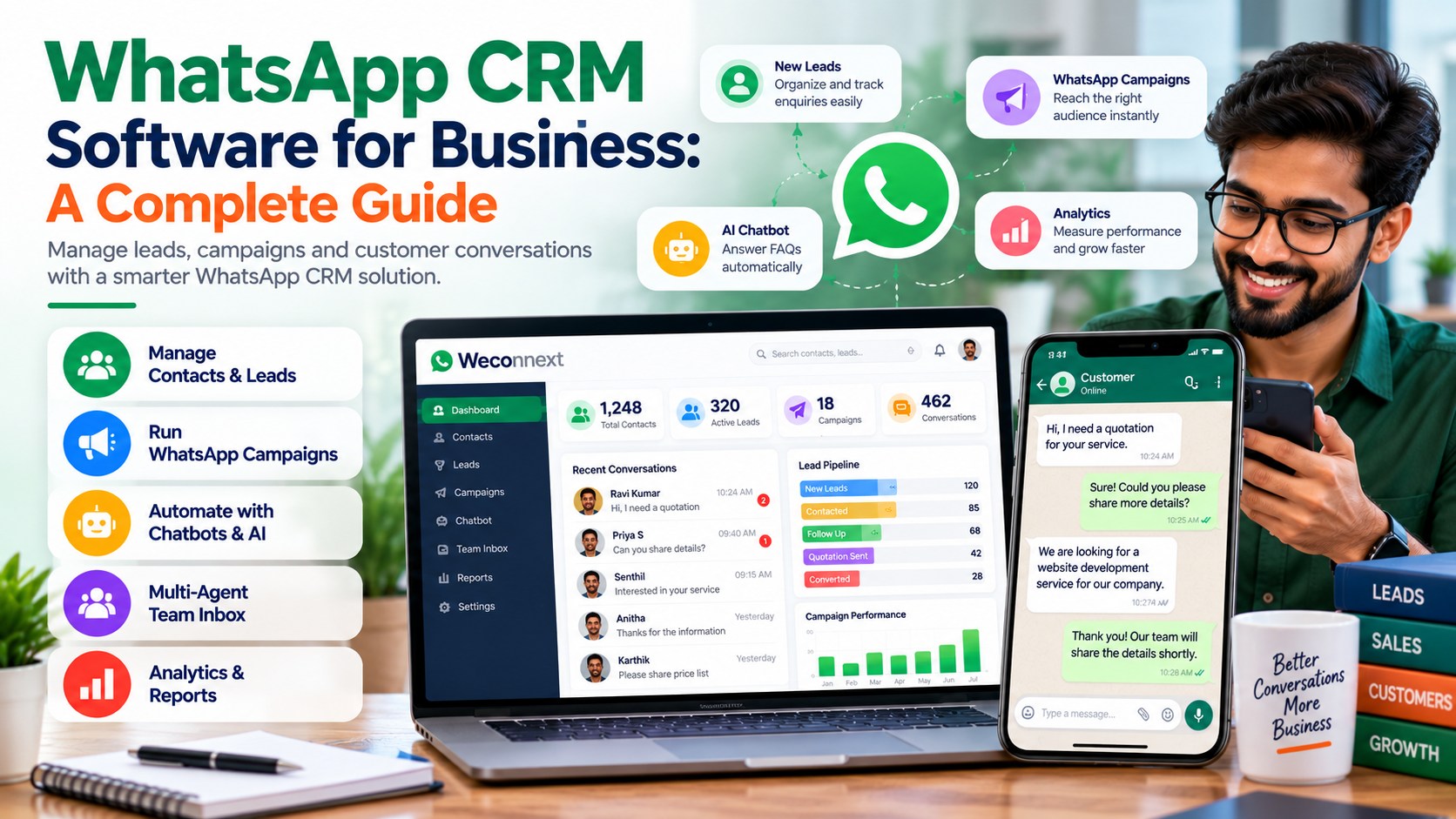
WhatsApp has become an important communication channel for businesses that want to answer customer questions, follow up with leads and share updates. But when conversations are spread across multiple employees and phone numbers, it can become difficult to track enquiries, manage follow-ups and measure results.
This is where WhatsApp CRM software can help.
A WhatsApp CRM combines customer communication with contact management, lead tracking, campaign tools and workflow automation. Instead of managing every conversation manually, businesses can organize customer interactions and create a more structured sales and support process.
In this guide, we explain what WhatsApp CRM software is, its key features, how businesses can use it and what to consider when choosing a solution.
What Is WhatsApp CRM Software?
WhatsApp CRM software helps businesses organize customer conversations and related sales or support activities through WhatsApp.
Depending on the platform, it can include contact management, lead assignment, shared team inboxes, message templates, campaign management, chatbots, follow-up reminders and performance reports.
For businesses receiving many enquiries, a CRM can make it easier to see which leads need attention, who is handling each conversation and what action should happen next.
Why Do Businesses Need a WhatsApp CRM?
Managing customer conversations manually may work when enquiry volumes are low. As a business grows, however, important messages and follow-ups can be missed.
A WhatsApp CRM can help businesses:
-
Organize contacts and customer information
-
Track leads through a sales pipeline
-
Assign conversations to team members
-
Plan and manage WhatsApp campaigns
-
Automate selected replies and workflows
-
Follow up with prospective customers
-
Review campaign and team performance
The right setup depends on your team's workflow, message volume and customer communication requirements.
Important Features of WhatsApp CRM Software
1. Contact and Phonebook Management
Organize customer details in a central system. Group contacts according to relevant categories, interests or business requirements so your team can manage conversations more efficiently.
2. Lead Management
Track enquiries from initial contact through follow-up and sales progression. A structured lead process helps your team identify pending conversations and prioritize next steps.
3. WhatsApp Campaign Management
Plan and manage business messaging campaigns for appropriate customer groups. Depending on the software, campaign tools may support approved templates, scheduling, delivery reporting and campaign analysis.
Always follow WhatsApp's applicable messaging policies, obtain the required consent and respect opt-out requests.
4. Shared Multi-Agent Inbox
Allow multiple authorized team members to manage customer conversations through a shared workflow. This can improve coordination between sales, customer service and other teams.
5. Chatbot and Flow Builder
A chatbot can handle selected frequently asked questions, guide customers through simple options and collect initial enquiry information. A flow builder helps organize these interactions into a defined conversation journey.
6. AI-Assisted Customer Conversations
AI-assisted replies can help teams respond to common questions and organize lead enquiries. Responses should be reviewed and configured appropriately, especially when conversations involve sensitive or important business decisions.
7. Campaign Analytics and Reports
Reports help businesses review available campaign results, customer interactions and lead activity. Use these insights to improve messaging, timing and follow-up processes.
Which Businesses Can Use WhatsApp CRM?
WhatsApp CRM software can be useful across different industries, depending on their customer communication needs.
-
Real estate: Organize property enquiries and schedule follow-ups.
-
Education: Respond to course enquiries and share relevant admission information.
-
Healthcare: Manage appropriate appointment-related communication while protecting personal information.
-
Retail and e-commerce: Share product information and respond to customer questions.
-
Professional services: Track enquiries, consultations and client follow-ups.
-
B2B companies: Coordinate sales conversations and manage longer lead journeys.
Each business should configure its workflows according to its industry requirements and applicable communication rules.
How to Choose the Right WhatsApp CRM Software
Before selecting a platform, consider these factors:
-
Integration: Understand whether the platform uses the official WhatsApp Business Platform or another connection method.
-
Team access: Check whether multiple agents can manage conversations.
-
Lead tracking: Look for workflows that match your sales process.
-
Campaign tools: Review contact segmentation, approved templates and reporting.
-
Automation: Check whether chatbots and workflow tools meet your requirements.
-
Reporting: Identify which campaign and customer interaction metrics are available.
-
Pricing: Compare subscriptions, setup fees, message charges and third-party costs.
-
Support and onboarding: Clarify implementation, training and ongoing assistance.
Do not choose software based only on the number of features. Select a solution that supports your actual business process.
Introducing Weconnext WhatsApp CRM
Weconnext WhatsApp CRM, from Mugin Technologies, is designed to help businesses organize WhatsApp communication, manage leads and streamline customer engagement.
Its capabilities include contact management, campaign management, a shared multi-agent workflow, chatbot flow building, AI-assisted conversations and reporting tools.
Businesses can use these features to bring customer communication and follow-up activities into a more structured workflow. The appropriate configuration depends on business requirements and the selected setup.
Get Started With Weconnext
If your team manages a growing number of WhatsApp enquiries, a structured CRM workflow may help you coordinate conversations and follow-ups more effectively.
Explore Weconnext WhatsApp CRM to learn more about the available features and discuss your business requirements.
Website: https://weconnext.in
For website and software solutions, visit https://www.mugintechnologies.com.